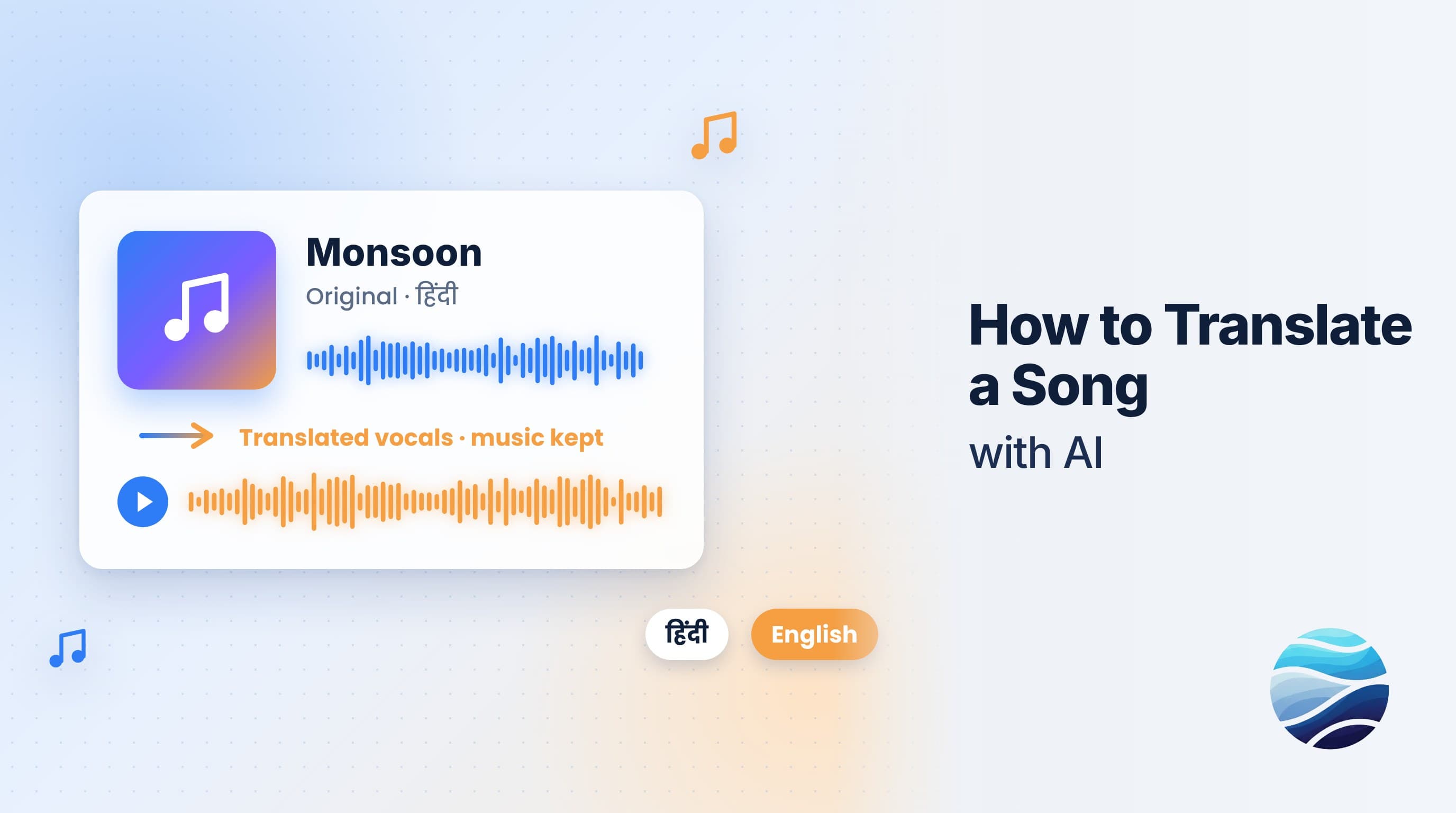
Short answer: To translate a song with BhaShaVox, sign in and open Studio → Audio Studio. Click New audio, choose Dubbing, and set the content type to Music / song. Upload the track and check the lyrics script. Then translate it, pick a voice, and turn on Keep background so the new vocals sit over the original music. It works in 125+ languages, including 20 Indian regional languages.
Before you start
- Rights to the song. Only translate music you wrote, own or are licensed to adapt. Translating a song does not remove the songwriter's or label's copyright.
- Permission for the voice. If you want the new version to sound like the original singer, you need their consent.
- A clean audio file: MP3, WAV, M4A, AAC, OGG or FLAC. Studio stems or a clean master separate far better than a phone recording of a live show.
- Got a music video? Use Video Studio instead: the steps are the same, and you get a finished video. See How to Dub a Video into Any Language with AI.
Step 1: Open Audio Studio
- Sign in to BhaShaVox.
- In the left menu, under Studio, click Audio Studio.
- Click New audio.
A 6-step wizard opens: Add audio → Review script → Translate → Speakers & voices → Output → Preview & download.
Step 2: Add the song
- Project name: for example "Monsoon – Tamil version".
- What do you need? Choose Dubbing.
- Content type: choose Music / song. This keeps repeated lyrics as they are sung (choruses repeat on purpose), instead of treating them as transcription mistakes.
- Source Language → Target Language: for example, Hindi → Tamil.
- Leave Detect multiple speakers automatically off for a single singer. Turn it on for duets.
- Drop the file in, or click Upload audio, then click Continue.
Already have timed lyrics? Click Upload script to load an .srt file instead.
Step 3: Check the lyrics script
BhaShaVox writes out the lyrics as a timed script, line by line. Fix any misheard words now: every mistake carries into the translation and the new vocals.
- Switch between By line and Full text.
- Use Add line for anything missed, or drag lines to reorder them.
Step 4: Translate the lyrics
Choose Translate script, then compare Original and Translated line by line.
This is where a human ear matters most. A literal translation rarely fits a melody. Shorten lines that run long, and swap words so the stresses fall in natural places. Use Re-Translate if you change the original lyrics.
Step 5: Choose the voice
For each singer, pick a Voice type:
- From this audio: uses the singer's own voice from the track, with their permission.
- My voice: a voice you saved and cloned under My voices.
- Library or Natural voice: a ready-made voice. These must match the language being sung.
- Upload: a short audio sample to base the voice on.
Press Play to hear a sample before you continue.
Step 6: Output
- Which script to speak: keep Translated (the default).
- Keep background: turn On to mix the original music under the new vocals where the track allows it.
- Voice timing: On timeline starts each line where the original line started. That is usually right for songs.
- Click Generate dubbed audio.
Step 7: Preview and download
Listen in Preview & download:
- Switch Voice between Original and Dubbed to compare them.
- Turn on Synced lyrics to follow the words as the track plays.
When you're happy, open Download files to save the dubbed audio, the original audio and both lyrics scripts.
Honest limits
- It's a strong draft, not a studio master. AI re-voices the translated lyrics over the music. It won't always follow the melody the way a trained singer would, so treat it as a fast first version.
- Rhyme and wordplay rarely survive a direct translation. Rewrite the key lines by hand.
- Dense mixes separate less cleanly, for example live recordings or heavy effects on the vocals.
- Always preview the full track before you release it.
FAQ
Can AI translate a song into another language?
Yes. BhaShaVox writes out the lyrics, translates them and re-voices them in the new language over the original music. Expect to polish some lines by hand.
Can the translated song keep the original singer's voice?
Yes, with the singer's consent. Choose From this audio in Speakers & voices, or use their cloned voice from My voice.
Does the background music stay?
Turn on Keep background in the Output step to mix the original music under the new vocals where the track allows it.
Can I translate a music video?
Yes. Use Video Studio with the content type Music / song to get a finished video, with captions if you want them.
Which languages can I translate songs into?
125+ languages, including 20 Indian regional languages such as Hindi, Tamil, Telugu, Bengali, Marathi and Punjabi.
Is it legal to translate any song?
Only songs you own or have the rights to adapt. Translating a song does not change who owns its copyright.
Ready to translate your first song? Try Song & Music Translation on BhaShaVox →