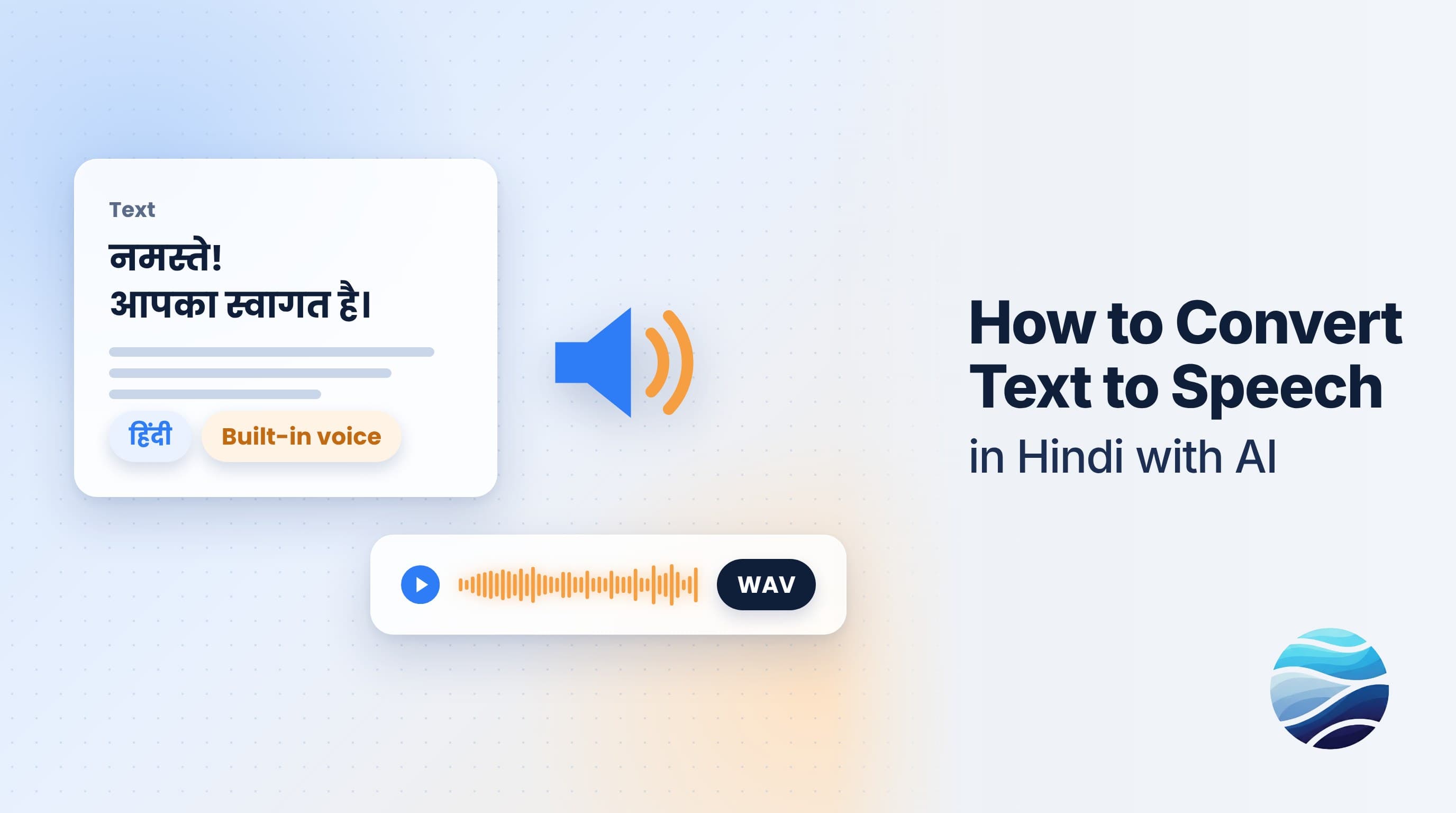
Short answer: To turn text into Hindi speech with BhaShaVox, sign in and open Studio → Speech Generation. Click New generation, paste your text, and set the language to Hindi. Then pick how it should sound: a Built-in voice, or a Voice clone (a library voice, an uploaded sample, or your own cloned voice). Click Generate, listen, and download a WAV file. The same steps work for 125+ languages, including Tamil, Telugu, Bengali and Marathi.
What you can use it for
- Voice-overs for YouTube videos, Reels and Shorts
- Narration for e-learning lessons and training
- IVR and phone menu prompts
- Product demos and explainer videos
- Audio versions of articles and announcements
Step 1: Open Speech Generation
- Sign in to BhaShaVox.
- In the left menu, under Studio, click Speech Generation.
- Click New generation.
Your Generations lists everything you've made, with its language, engine and status (Ready, Pending or Failed). You can search it and play, download or delete any generation from there.
New generation opens a 3-step wizard: Text → Voice → Preview.
Step 2: Add your text
- Name: something you'll find later, for example "Product intro – Hindi".
- Text: type or paste what should be spoken.
- Language: choose Hindi (or any other language).
- Click Continue.
Tips for natural Hindi speech:
- Write in Devanagari (हिंदी). Hindi typed in English letters ("aap kaise ho") is harder to pronounce correctly.
- Use punctuation for pauses. Full stops (।) and commas give the voice room to breathe.
- Write numbers the way they should be said if it matters, for example "दो हज़ार छब्बीस" instead of "2026".
- Keep sentences short. Spoken Hindi flows better in short sentences than long written ones.
Step 3: Choose the voice
Under How to speak, pick one of two options:
| Option | What it does | When to use it |
|---|---|---|
| Built-in | Ready-made voices, no reference audio needed | Fastest way to get clean, natural speech |
| Voice clone | Speech in a specific voice | When the voice itself matters: your own, a brand voice, a character |
If you choose Voice clone, pick where the voice comes from:
- Library: a voice from the voice library for that language. Use Browse library to explore.
- Upload: a reference clip (WAV or MP3, about 6–120 seconds) to clone.
- My voice: a voice you saved earlier. Use Manage My Voices to add or change one.
Only clone a voice that is yours, or one you have the speaker's clear permission to use.
Step 4: Generate and download
- Click Generate. A progress bar shows while the speech is created.
- In Preview, press Play to listen.
- Click Download to save it as a WAV file.
A finished generation can't be edited. To change the text or voice, start a New generation: it only takes a few seconds.
Using the speech elsewhere in BhaShaVox
The voices you pick here also work in Video Studio and Audio Studio. So a script written once can be voiced in a dubbed video or podcast too. See How to Dub a Video into Any Language with AI.
Honest limits
- Names, acronyms and brand words can be mispronounced. Spell them the way they're said, or test a short line first.
- Mixed Hindi-English text (Hinglish) works best when each word is written in the script of the language it's spoken in.
- A cloned voice is only as good as its sample. Use a quiet room and clear speech.
- Listen before you publish, especially for ads, legal or medical content.
FAQ
How do I convert text to speech in Hindi?
Open Speech Generation, click New generation, paste your Hindi text, and choose Hindi as the language. Then pick a voice, click Generate, and download the audio.
Can I make the AI speak in my own voice?
Yes. Save your voice under My voices, then choose Voice clone → My voice in step 3. See How to Clone Your Voice with AI Safely.
What file format do I get?
A WAV audio file, ready for video editors, podcasts and IVR systems.
Which languages are supported?
125+ languages, including 20 Indian regional languages such as Hindi, Tamil, Telugu, Bengali, Marathi, Gujarati and Punjabi.
Should I type Hindi in English letters or Devanagari?
Devanagari gives the most accurate pronunciation.
Can I use it for free?
Yes. The free trial includes 8k tokens for 14 days across all modes, and no credit card is needed.
Ready to create your first voice-over? Try Speech Generation on BhaShaVox →