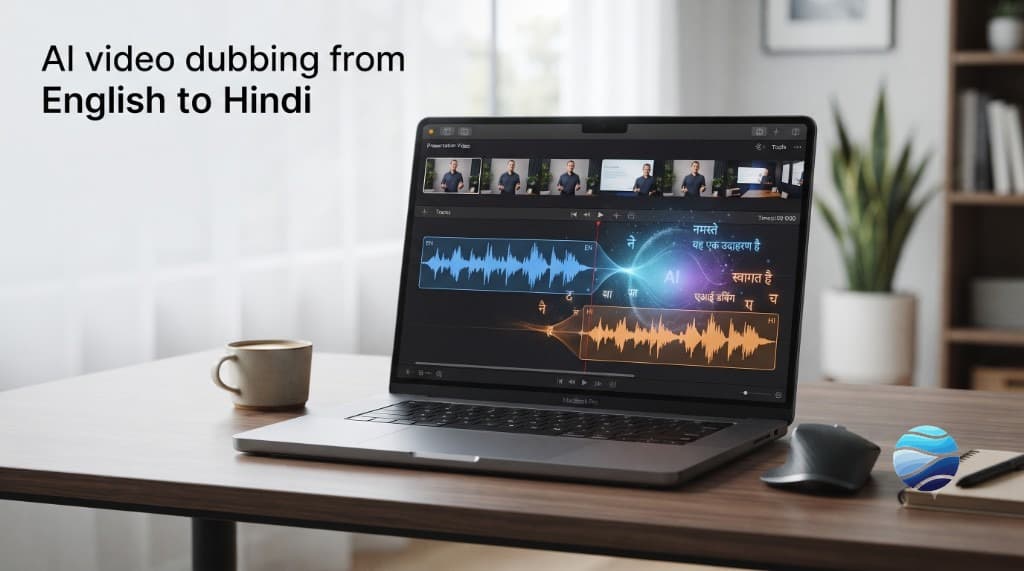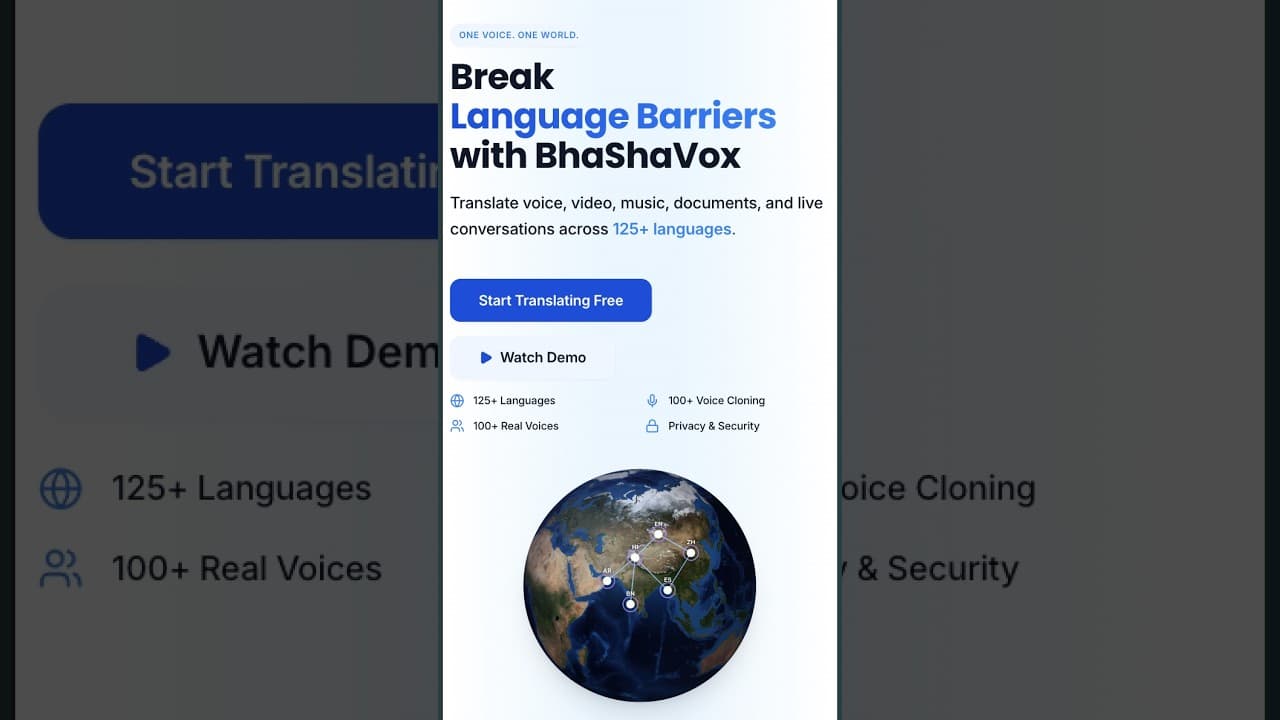
AI course translation takes lectures, videos, slides, and text and localizes them into another language -- captions, a dubbed voice track, and the written materials -- so students learn in the language they think in. BhaShaVox is an India-built studio for this: 125+ languages, including 20 Indian regional languages, with consent-based voice cloning if you want the instructor's own voice. Public launch is aimed for around October 2026. The workflow below still applies whenever you localize a course.
Why translate your courses?
Comprehension drops when people learn in a second language. A student can understand the idea and still stall on English. They finish fewer lessons. They remember less.
That is why educators look up "voice over translation for online education" and "AI speech translation for educational purposes." They want to teach more students without re-recording every module by hand.
Hypothetical example (labeled as such): an 8-lecture Python course recorded in English, with one instructor and clean audio, is a good first pilot. A dense seminar with three speakers talking over each other is a hard first pilot.
What can you translate in a course?
An online course is more than the script on a slide.
- Video lectures -- translate the spoken audio and dub it, or add translated subtitles.
- Slides and documents -- PDFs, decks, and handouts, with formatting kept.
- Captions and transcripts -- for access, and for students who prefer reading.
- Quizzes and instructions -- so the path works in one language, not half in English.
Do the lecture first. A dubbed video with English-only quizzes still feels unfinished.
How does AI course translation work?
For a video lecture the flow is simple:
1. Extract the script (speech-to-text, with timing). 2. Translate it into the target language. Conversational teaching Hindi, or Tamil, or Spanish -- not dictionary output. 3. Add subtitles and/or dub the audio with a library voice, or the instructor's cloned voice. 4. Export, then watch once before you publish.
For slides and documents, the text is translated in place so the layout stays. You do the source once, review, then publish language versions.
Dubbing or subtitles -- which should you use for e-learning?
Use both when you can.
Subtitles are faster and cheaper. They help access and skimming. Dubbing is what students listen to while they follow a demo. For a serious course, dubbed audio plus a subtitle option covers more learners than either one alone.
If budget forces a choice, subtitle the full course and dub the first module. That is usually enough to see if the new language audience stays.
Indian languages -- and teaching languages themselves
Two things matter here.
First, Indic depth. BhaShaVox covers 125+ languages, including 20 Indian regional languages (Hindi, Bengali, Tamil, Telugu, Marathi, and others on the Eighth Schedule). You can take an English course regional, or take a Hindi course to a wider set of learners.
Second, language teaching. If you teach a language, or you want the same course available in many languages, AI translation and dubbing let you draft versions without rebuilding each one from scratch. A native review still matters on the lessons you sell as flagship.
Keep the instructor's voice
Students attach to a teacher, not a generic voice.
With consent-based voice cloning, an instructor records once and the dubbed lessons can still sound like them. A Tamil or Spanish version keeps that same familiar voice. Consent is required. Clone only a voice you have permission to use -- usually the instructor's own.
The honest limitations
- Technical terms need a glossary and a quick pass. Wrong jargon is worse than slightly stiff phrasing.
- Dense academic material may need a subject check. AI does not know your syllabus the way you do.
- AI is a fast first pass. A native or expert review is what you want on the courses you charge for.
- Noisy multi-speaker lectures and heavy code-switching still break transcription. Clean the audio first.
Step by step: translate a course in BhaShaVox
1. Upload the lecture video (or audio) and the course documents. 2. Choose the target language -- any of 125+, including 20 Indian regional. 3. Pick subtitles, dubbing, or both. Choose a library voice or the instructor's cloned voice. 4. Let the studio extract the script, translate it, and generate captions and dubbed audio. 5. Review key terms, then export the localized course.
Status: product built and in testing. Public launch target around October 2026. Free accounts on the site include trial tokens -- no credit card to start -- so you can pilot one module when access is open.
FAQ
Can AI translate a full online course?
Yes. Video lectures (dubbing or subtitles), slides, documents, and quiz text can be translated into 125+ languages. Quality still depends on clean source audio and a human review of key terms.
Can I dub lecture videos, not just subtitle them?
Yes. The studio extracts the script, translates it, and dubs the audio in a library voice -- or the instructor's cloned voice, with consent.
Which languages are supported for education?
125+ languages, including 20 Indian regional languages such as Hindi, Tamil, Telugu, and Bengali.
Can dubbed lessons keep the teacher's voice?
Yes, with consent-based voice cloning. Do not clone another person's voice without clear permission.
Is AI translation accurate for technical subjects?
It is a strong first pass. Use a glossary and a short expert review for specialized terms. Do not publish a paid technical course on the raw draft alone.
Should I use subtitles or a full dub for e-learning?
Subtitles are faster. A dub usually holds attention better while students follow a demo. Many courses ship both.
Is it free to try?
Free accounts include trial tokens, and no credit card is required to start. Public launch is aimed for around October 2026.
Next step
If you create courses and want students to learn in their own language, start with one lecture -- subtitle it, dub it, and listen once.