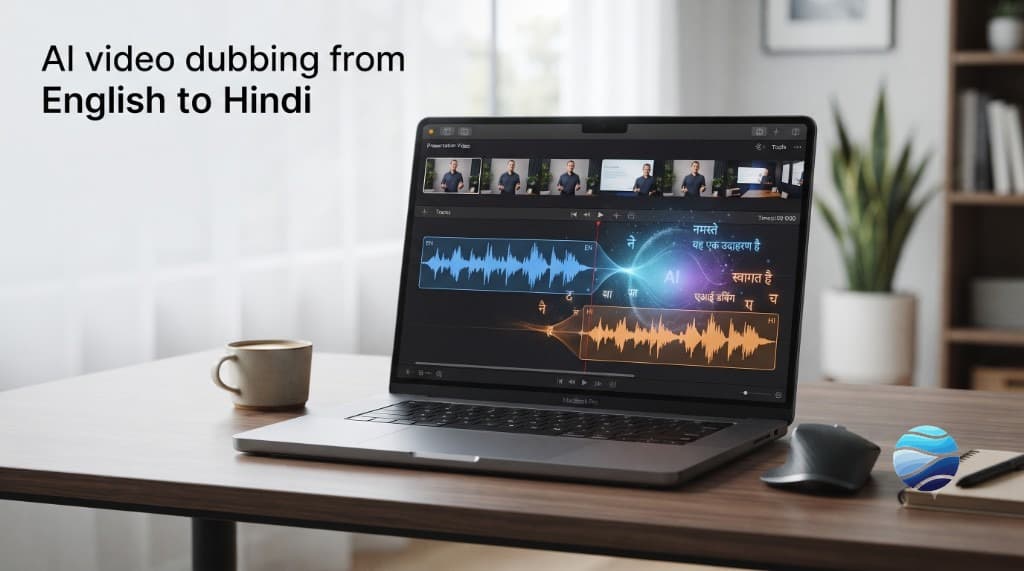
Want your English (or other-language) YouTube video to reach Hindi viewers without reshooting? AI dubbing can extract speech, translate it, and re-voice it -- often in minutes. This guide walks through a practical workflow, what usually breaks, and how to keep the result watchable. BhaShaVox is an India-built studio for this kind of work (125+ languages, including 20 Indian regional). Public launch is aimed for around October 2026; the steps below still apply with any serious dubbing tool.
Why Hindi dubbing matters for YouTube creators
Hindi is one of the highest-demand languages for AI dubbing and localization. A lot of creators already get English views, then stall when they try to expand. Subtitles help discovery. A dubbed track helps retention -- people finish videos in the language they think in.
You do not need a studio in Mumbai to start. You need a clean source video, a clear process, and honest expectations about AI quality.
What you need before you dub
1. A finished video -- edit first, dub second. Cutting after dubbing wastes work. 2. Clean audio -- loud music, heavy reverb, or overlapping speakers make transcription worse. 3. Rights to the content -- your video, or permission to localize it. 4. A target -- full Hindi dub, Hindi + English dual audio, or Hindi captions only? Pick one goal per upload.
Hypothetical example (labeled as such): a 12-minute English coding tutorial with one speaker and quiet B-roll is a good first test. A loud podcast with three people talking over each other is a hard first test.
Step-by-step: dub a YouTube video into Hindi
1. Lock the source cut
Export the final edit (or use the published YouTube URL if your tool supports import). Note chapter timestamps if you have them -- useful for QC later.
2. Transcribe the spoken audio
Speech-to-text produces the source script. Review names, product terms, and jokes. Wrong transcript = wrong dub.
3. Translate into natural Hindi
Do not settle for word-for-word output. Hindi word order and formality (aap vs tum) change how a line lands. For creator content, conversational Hindi usually beats stiff formal Hindi.
4. Choose the voice
Options typically look like:
- a library / TTS voice that fits your channel
- a clone of *your* voice (only with consent -- usually your own recording)
Consent-first rule: never clone someone else's voice without clear permission.
5. Generate the dub and check timing
Good tools try to keep per-speaker timing close to the original. Watch for:
- lines that overrun the shot
- pauses that feel empty
- emphasis on the wrong word
6. Mix with music and SFX
Duck the original vocal, keep music bed if you have rights to it, and balance loudness so Hindi speech is easy on phone speakers.
7. QC pass (do not skip this)
Watch the full video once with captions off. Then spot-check hard sections: numbers, English technical terms, punchlines. AI is useful. It is not a substitute for one human listen.
8. Upload to YouTube the right way
Upload as a new video *or* add an alternate audio track if you use YouTube's multi-audio features where available. Put "Hindi" in the title/description only if the video is actually Hindi-led. Add Hindi title + description variants. Link the original English upload in the description so viewers can switch.
How accurate is AI Hindi dubbing?
Honest answer: good enough for many tutorials, explainers, and product demos -- weaker on poetry, dense humor, heavy code-switching, and noisy multi-speaker audio. Expect to fix 10-30% of lines on a careful pass for creator content. That still beats a full manual re-record for most people testing a new market.
If a line sounds robotic, fix the script or voice settings before you blame "AI" in general. Garbage transcript in, garbage Hindi out.
Common mistakes
- Dubbing a rough cut, then editing again
- Leaving English brand names mangled in Devanagari without a glossary
- Picking a voice that does not match your face or brand
- Skipping loudness / music ducking
- Publishing without watching the whole piece once
Where BhaShaVox fits
We are building one studio for translation, dubbing, speech, and a voice library -- including deep Indic coverage (20 Indian regional languages alongside 125+ global). Modes cover video dubbing, voice cloning, and related workflows in one place, instead of jumping between single-purpose tools.
Status: product built and in testing. Public launch target around October 2026. This article is the workflow we want creators to run on day one.
FAQ
Can I dub my existing YouTube videos into Hindi without reshooting?
Yes. You use the finished video's audio as the source, translate the script, and generate a new voice track. Quality depends on how clean the original audio is.
Is AI Hindi dubbing good enough to publish?
Often yes for educational and product content after a human QC pass. For comedy, poetry, or brand-critical ads, budget more review time or a human voice actor.
Should I use subtitles or a full dub?
Subtitles are faster and cheaper. A dub usually holds attention better for viewers who prefer listening in Hindi. Many creators ship both: Hindi audio + Hindi captions.
Can I keep my own voice in Hindi?
With consent-first voice cloning, yes -- you clone *your* voice (or a voice you have rights to), then generate Hindi speech in that voice. Do not clone others without permission.
How long does dubbing take?
With AI, a short video can be drafted in minutes. Plan extra time for transcript cleanup and a full listen. The bottleneck is usually QC, not generation.
What about other Indian languages after Hindi?
Same workflow. Tamil, Telugu, Bengali, Marathi, and others follow the same steps. Tools with real Indic depth matter more as you leave the English-Hindi corridor.
Will BhaShaVox support this workflow?
Yes -- video dubbing and related modes are part of the studio we are shipping. Follow the blog and LinkedIn for launch timing.
Next step
If you create for YouTube and want Hindi (or other Indian languages) without rebuilding every video from scratch, save this workflow and follow BhaShaVox for launch.